AI Google Ads: 9 Mistakes to Avoid in 2026

Most marketers now use some form of AI in their Google Ads campaigns. But the majority still make critical mistakes that waste budget, lower quality scores, and reduce conversion rates.
AI tools inside Google Ads can improve targeting, automate bidding, and write better ad copy. But they only work well when you set them up correctly, feed them clean data, and avoid common misconfigurations.
This guide explains the most common AI Google Ads mistakes in 2026, why they hurt performance, and how to fix them.
Table of contents
- What is AI Google Ads?
- Mistake 1: Using broad match without audience signals
- Mistake 2: Setting weak conversion goals
- Mistake 3: Ignoring negative keywords
- Mistake 4: Trusting AI too early
- Mistake 5: Mixing too many campaign types
- Mistake 6: Skipping responsive search ad testing
- Mistake 7: Overcomplicating account structure
- Mistake 8: Not reviewing AI-generated assets
- Mistake 9: Ignoring search terms reports
- Frequently asked questions about AI Google Ads mistakes
- Conclusion
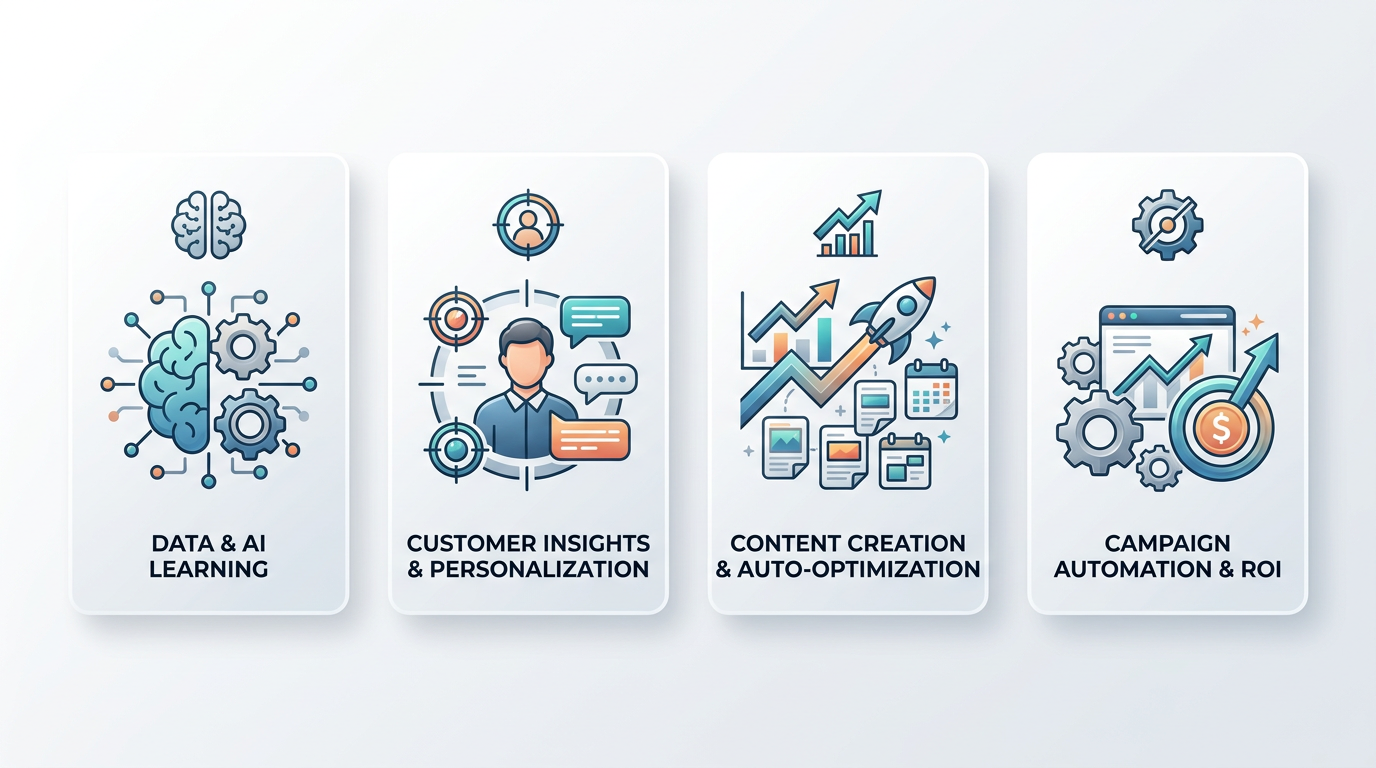
What is AI Google Ads?
AI Google Ads refers to the automated features inside Google Ads that use machine learning to optimize campaign performance. These features include Smart Bidding, Responsive Search Ads, Performance Max campaigns, audience expansion, and automated asset creation.
Google’s AI analyzes millions of signals in real time to adjust bids, show relevant ads, and predict which users are most likely to convert. It can improve results when configured correctly. But it can also waste budget and lower ROI when set up poorly.
The key is knowing how to guide the AI, what data to feed it, and which mistakes to avoid.
Mistake 1: Using broad match without audience signals
Broad match keywords let Google show your ads for search queries that are loosely related to your keyword. This gives AI more flexibility to find new customers.
But using broad match without audience signals is risky. The AI may trigger your ads on irrelevant searches that waste budget and lower your conversion rate.
Audience signals help the AI understand who your ideal customer is. These signals include customer lists, remarketing audiences, demographics, interests, and past converters.
When you combine broad match with strong audience signals, the AI learns faster and targets better. Without audience signals, broad match becomes guesswork.
How to fix it:
- Add customer match lists to your campaigns
- Use remarketing audiences
- Define in-market and affinity audiences
- Upload first-party data from your CRM
- Start with phrase match if you have limited conversion data
If you want to learn more about scaling AI-powered campaigns, read our guide on how to use AI Google Ads for better campaign performance.
Mistake 2: Setting weak conversion goals
AI bidding strategies optimize toward the conversion goals you define. If your conversion goals are weak, the AI optimizes for low-value actions.
Common weak conversion goals include:
- Page views
- Time on site
- Any form submission, even unqualified leads
- Newsletter signups without revenue attribution
These goals tell the AI to prioritize volume over quality. You may get more conversions, but fewer sales.
How to fix it:
- Track revenue or qualified lead conversions
- Assign conversion values based on customer lifetime value
- Use offline conversion tracking if sales happen offline
- Set primary and secondary conversion actions
- Exclude micro-conversions from Smart Bidding optimization
AI needs clear signals about what matters. The more specific your conversion goals, the better the AI performs.
Mistake 3: Ignoring negative keywords
Even with AI optimization, negative keywords still matter. They prevent your ads from showing on irrelevant searches.
Many marketers assume AI will automatically filter out bad traffic. It does not. Without negative keywords, the AI will test irrelevant queries, waste budget, and lower your quality score.
How to fix it:
- Review search terms reports weekly
- Add negative keywords at the campaign and account level
- Exclude branded terms if you are not targeting competitors
- Block low-intent queries like “free,” “cheap,” or “DIY”
- Use negative keyword lists for efficiency
Negative keywords help the AI focus on the right traffic. This improves click-through rate, quality score, and cost per conversion.
Mistake 4: Trusting AI too early
AI bidding strategies need data to learn. Google recommends at least 30 conversions in 30 days before switching to Smart Bidding.
If you enable automated bidding too early, the AI makes decisions based on incomplete data. This leads to unpredictable performance, wasted budget, and low conversion rates.
How to fix it:
- Start with manual CPC or enhanced CPC until you reach 30 conversions
- Use maximize conversions only after the learning phase
- Set a target CPA or ROAS only when you have reliable conversion data
- Monitor performance daily during the first two weeks
- Revert to manual bidding if performance drops significantly
Let the AI learn from real data before you give it full control.
Mistake 5: Mixing too many campaign types
Google Ads offers several campaign types: Search, Display, Shopping, Video, Performance Max, and Demand Gen. Each type uses AI differently.
Running too many campaign types at once splits your budget and confuses the AI. Each campaign competes for the same conversions, which slows down the learning phase.
How to fix it:
- Start with one or two campaign types
- Focus on Search campaigns if you are targeting high-intent keywords
- Use Performance Max only after you have conversion data
- Separate brand and non-brand campaigns
- Avoid overlapping audiences across campaign types
Focus your budget on the campaign types that align with your goals. Let the AI optimize one strategy before adding more complexity.
Mistake 6: Skipping responsive search ad testing
Responsive Search Ads let you upload multiple headlines and descriptions. The AI tests combinations to find the best-performing ads.
But many marketers upload weak or repetitive headlines. This limits the AI’s ability to test different angles and messages.
How to fix it:
- Write 10 to 15 unique headlines per ad
- Vary your messaging across headlines
- Include your primary keyword in at least two headlines
- Test benefit-driven headlines, feature-driven headlines, and question-based headlines
- Review ad strength scores and replace low-performing assets
The more variety you give the AI, the better it can optimize for click-through rate and conversions.
Mistake 7: Overcomplicating account structure
AI performs best with simple, focused account structures. Complex structures with too many campaigns, ad groups, and keywords dilute your data.
When you split campaigns too much, each campaign gets fewer impressions and conversions. This slows down the learning phase and reduces optimization efficiency.
How to fix it:
- Use fewer campaigns with clear goals
- Group similar keywords into one ad group
- Avoid single-keyword ad groups unless you are testing high-value terms
- Use campaign-level audience signals instead of creating separate campaigns
- Consolidate low-traffic campaigns
A cleaner structure helps the AI learn faster and optimize more effectively. For more on structuring AI-powered workflows, explore our article on building multi-step AI workflows that convert.
Mistake 8: Not reviewing AI-generated assets
Google Ads can now generate headlines, descriptions, and images automatically. These AI-generated assets save time, but they are not always accurate or on-brand.
Many marketers accept all AI suggestions without review. This leads to generic messaging, incorrect claims, or tone mismatches.
How to fix it:
- Review every AI-generated asset before approving it
- Check for factual accuracy
- Make sure the tone matches your brand voice
- Remove vague or generic suggestions
- Replace weak assets with custom alternatives
AI can speed up asset creation, but human review ensures quality and relevance.
Mistake 9: Ignoring search terms reports
The search terms report shows which queries triggered your ads. It reveals what the AI is targeting and where your budget is going.
Many marketers trust the AI to handle everything and stop reviewing search terms. This is a mistake. Without regular reviews, you miss irrelevant queries, wasted clicks, and new negative keyword opportunities.
How to fix it:
- Review search terms reports weekly
- Add irrelevant queries to your negative keyword list
- Identify high-performing queries and add them as exact match keywords
- Look for patterns in user intent
- Adjust audience signals based on search behavior
The search terms report is one of the most valuable tools for optimizing AI-driven campaigns. Use it consistently.
Frequently asked questions about AI Google Ads mistakes
Can I use AI Google Ads if I have a small budget?
Yes, but you need realistic expectations. AI bidding strategies perform best with at least 30 conversions per month. If your budget is too small to generate enough conversions, start with manual bidding or enhanced CPC. Focus on one campaign type and a narrow audience to maximize learning speed. Once you reach consistent conversion volume, switch to automated bidding strategies.
How long does it take for AI to optimize my campaigns?
Google’s AI typically needs 7 to 14 days to complete the learning phase after you enable a new bidding strategy or make significant changes. During this time, performance may fluctuate. Avoid making frequent changes during the learning phase. Let the AI gather data and stabilize before you evaluate results or adjust settings.
Should I use Performance Max or Search campaigns?
It depends on your goals and data. Performance Max works well if you have strong conversion tracking, quality product feeds, and multiple asset types. Search campaigns give you more control over keywords, targeting, and messaging. If you are new to AI Google Ads, start with Search campaigns. Add Performance Max once you have proven conversion data and optimized assets.
What is the biggest mistake with AI Google Ads?
The biggest mistake is enabling automated bidding without enough conversion data. AI needs at least 30 conversions in 30 days to optimize effectively. Without enough data, the AI makes poor decisions, wastes budget, and delivers inconsistent results. Always build a conversion foundation before switching to Smart Bidding.
Do I still need to write ad copy if AI generates it?
Yes. AI-generated ad copy is a starting point, not a final product. Review every AI suggestion for accuracy, brand alignment, and relevance. Replace generic headlines with specific value propositions. Add unique angles that differentiate your offer. Human creativity and strategic thinking still outperform fully automated copy in most cases.
How often should I review my AI Google Ads campaigns?
Review performance at least once per week. Check key metrics like conversion rate, cost per conversion, impression share, and search terms. Make small adjustments based on data trends. Avoid making daily changes unless performance drops suddenly. Consistent weekly reviews help you catch issues early without disrupting the AI learning phase.

Conclusion
AI Google Ads can deliver strong results when you avoid common mistakes. The key is guiding the AI with clean data, clear goals, and strategic oversight.
Start by setting strong conversion goals, adding audience signals, and reviewing search terms regularly. Let the AI learn before trusting it fully. Keep your account structure simple and your negative keyword list updated.
If you want expert help setting up AI-driven campaigns that scale, request a free AI growth analysis from TAMA. We help businesses fix Google Ads mistakes, improve ROI, and build automated workflows that convert.